Your domain in every address
Create inboxes like sales@, billing@ or your own name on your business domain, so every email your team sends carries your brand.
Professional email
Business email from Autorys gives you inboxes on your own domain, like sales@yourbusiness.com, even if the domain is registered somewhere else. Every message you send carries your business name, and you read it in the browser, on your phone or inside your CRM.

Business email is an email address that uses your company's domain instead of a free provider. Your customers see sales@yourbusiness.com or ana@yourbusiness.com, and they know right away they are dealing with a real business.
With Autorys you create the inboxes your team needs on your domain. The domain can stay where it is today, because it doesn't have to be registered with us. You read and send email from any browser, from your phone, or from inside the Autorys CRM, right next to your customers.
It fixes a simple problem. Quotes and replies sent from a free address make some customers hesitate. An address on your own domain keeps your name in front of them in every email.
The basics a business needs to send and receive email under its own name.
Create inboxes like sales@, billing@ or your own name on your business domain, so every email your team sends carries your brand.
You can keep your domain with the company you use today. Your inboxes work on it even if it was never registered with Autorys.
Read and answer email from any browser, from your phone, or right inside the Autorys CRM, where your customers and their history already are.
Junk mail gets filtered, so your inbox stays focused on customers, suppliers and the people you actually work with every day.
If an inbox starts to fill up, you add extra storage packs from your dashboard instead of deleting old emails to make room.
If you register your domain with Autorys, it comes with 2 email inboxes included, ready to set up from your dashboard.
In your Autorys dashboard, pick your domain and the addresses you want, for example sales@ and info@ for your business.
The service activates on its own as soon as you pay. You don't have to wait for anyone or talk to anyone.
Open your email in the browser, use it on your phone, or work from inside the CRM next to your customers and quotes.
A bakery in Lisbon or a plumber in Texas looks more serious when quotes and confirmations come from their own domain.
Law firms, accountants and consultants in any country send documents to clients from addresses that match their name and website.
Give each person an inbox on the company domain, so sales, billing and support each have a clear address customers recognize.
If your domain is registered with another company, you can still get your inboxes with Autorys without moving the domain.
7-day guarantee: if the service didn’t work for you, let us know within the first 7 days and we’ll give you your money back.
Frequently asked questions
Karla, the Autorys AI assistant, tells you the price and sends you your quote right away. Write to her on WhatsApp, in the chat on this page or on Telegram and tell her how many inboxes you need.
Yes. Your inboxes work on your domain even if it is registered somewhere else. You don't need to move the domain to Autorys to get business email. You keep managing the domain where it is today, and you handle your inboxes from your Autorys dashboard.
If you register your domain with Autorys, 2 email inboxes come included with it. If you need more addresses for your team, you add them from your dashboard. Everything is managed from the same dashboard where you see your domain and your other services.
You can add extra storage whenever you need it, in storage packs from your dashboard. That way you don't have to delete old emails to keep receiving new ones. You add it yourself from the dashboard, without asking anyone.
Yes. With our website migration service we move your inboxes from your current provider, including the emails you already have saved, without your business losing service. Ask Karla for the migration quote and tell her what you have today.
You have a 7-day guarantee. If the service didn't work for you, let us know within the first 7 days and we give you your money back. If you cancel later, the service stays active until the end of the period you already paid.
Learn more
Short, easy to say, the right extension and registered in your name.
What you need for sales@yourbusiness.com and how to set it up without losing mail.
The right order to move your website and mailboxes so nothing goes offline.
You may also need
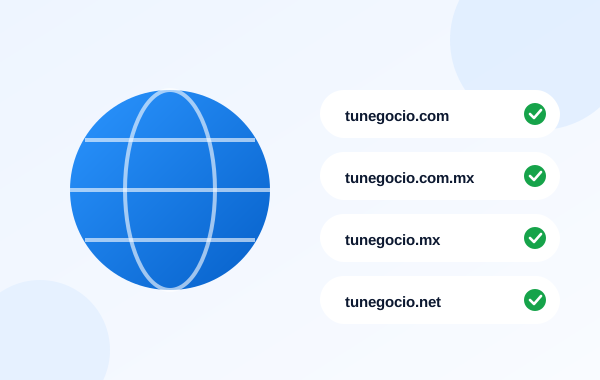
Over 600 extensions, with 2 email inboxes included.

The AI reads your email, files it in your CRM and drafts the reply for you.
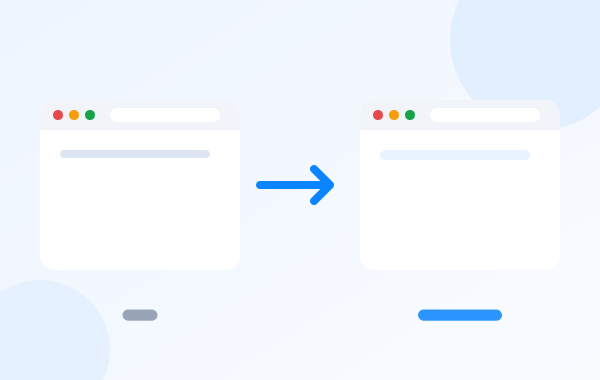
We bring over your site and your inboxes, saved emails included.

Your website on our servers, with automatic HTTPS and plans for 1 to 5 sites.
Ask Karla for your quote on WhatsApp, chat or Telegram, or sign up from your dashboard and your inboxes switch on as soon as you pay.