Send faxes from your dashboard
Send your documents by fax from your dashboard, the same way you'd send an email, without walking over to a machine or fighting with paper.
Phone · Fax
With Autorys online fax, you send and receive documents from your dashboard just like email. You don't need a fax machine or a fax line, incoming faxes are saved for you, and you only pay for what you use.
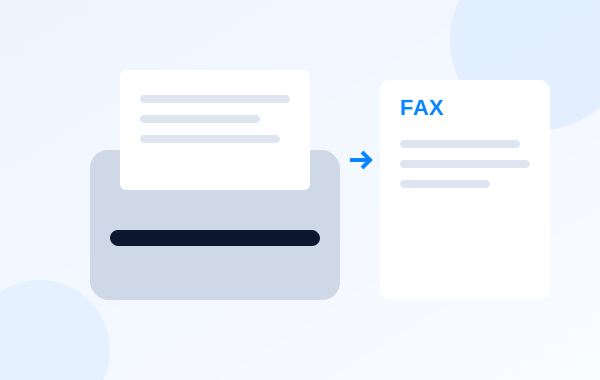
It's a way to send and receive faxes over the internet. With Autorys, fax lives in your dashboard: you send your documents and receive the ones sent to you just like email. There's no need to own a fax machine or pay for a line just for faxing.
Many people think fax is gone, but insurers, hospitals and government offices still work with it. If your clinic, practice or firm has to send or receive documents by fax, you do it from your computer and every received fax stays saved.
Fax is part of Phone in your CRM, alongside your numbers, calls and text messages. And since it's pay as you go, you only pay when you actually use it.
Everything the fax machine did, now from your dashboard.
Send your documents by fax from your dashboard, the same way you'd send an email, without walking over to a machine or fighting with paper.
Faxes sent to you arrive in your dashboard and you open them like email, on the same computer you already work on.
Every fax you receive stays saved in your dashboard, so you can look it up again whenever you need it instead of digging through paper.
It's part of Phone in the CRM, together with your numbers, calls and text messages, so all your communication sits in one place.
You don't pay for a machine or a line sitting idle: fax is billed by what you use, no more and no less.
Sign up for online fax from your dashboard, without talking to anyone. If you have questions first, Karla answers them on WhatsApp, chat or Telegram.
From your dashboard, send the document to the fax number you were given, just as if you were emailing someone.
Faxes you receive show up in your dashboard and stay saved, ready to open every time you need them.
For practices that still exchange documents by fax with insurers and hospitals: send and receive them from the dashboard, with no machine at the front desk.
For firms that deal with government offices that still use fax: send and receive documents from your computer and keep them saved.
For offices that send or receive a fax now and then: since it's pay as you go, you don't keep a line or a machine you barely use.
For anyone who already has their numbers and calls in the CRM: fax joins Phone and all your communication stays in one place.
7-day guarantee: if the service didn’t work for you, let us know within the first 7 days and we’ll give you your money back.
Frequently asked questions
Online fax is pay as you go, so you pay based on what you use. For the exact price, message Karla, the Autorys AI assistant, on WhatsApp, through the chat on this page or on Telegram: she tells you the price and sends your quote right away.
No. Fax lives in your dashboard, so you don't need a machine or a fax line. You send and receive documents from your computer, just like email, and the ones you receive stay saved.
In your dashboard. Faxes you receive arrive like email and stay saved there, so you can open them when you need them and look them up again later without digging through paper.
Yes. Fax is part of Phone in the Autorys CRM, together with your numbers, calls and text messages. That way your communication with customers, insurers or offices stays in one place.
It's built for clinics, medical practices, firms and offices that still have to send or receive faxes, for example with insurers, hospitals or government offices. If you're unsure about your case, ask Karla.
You have a 7-day guarantee: if the service didn't work for you, let us know within the first 7 days and we'll refund your money. You sign up, pay and manage everything from your dashboard, without having to talk to anyone.
You may also need

Booking, video visits, WhatsApp and phone with AI, and online fax in one dashboard.
Answers your calls when you can’t and tells you about every one.
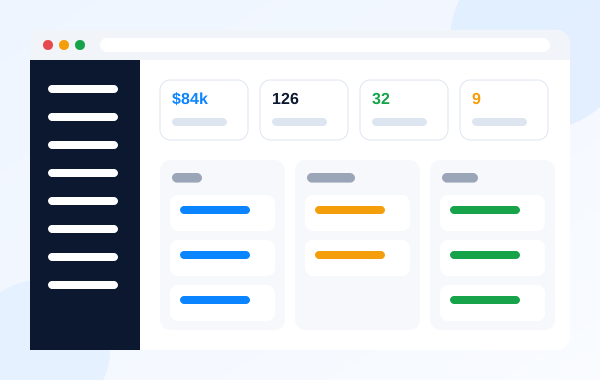
Customers, sales, quotes and your team in one place.

Inboxes like sales@yourbusiness.com in your browser, on your phone or in the CRM.
Message Karla, the Autorys AI assistant, on WhatsApp, through the chat on this page or on Telegram: she tells you the price and sends your quote right away. Or turn it on directly from your dashboard.