Links for quotes
When a customer accepts a quote online, it moves to a receipt and payment, so the sale closes in the same flow without retyping anything.
Payment links · Autorys CRM
Autorys Online Payments gives you card payment links for your quotes, receipts, appointments and sales. Your customer pays from their phone, the payment is logged in your CRM on its own, and you stop chasing bank transfers and screenshots.
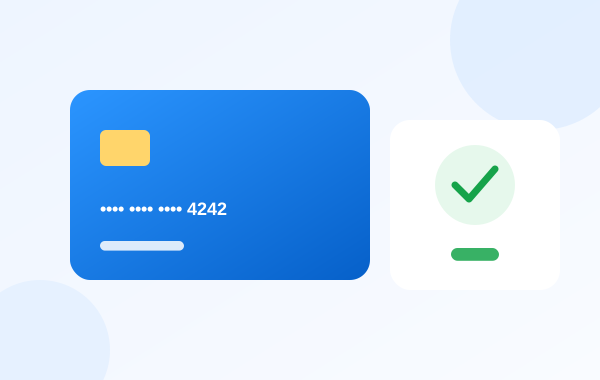
A payment link is a web address that opens a card payment page for one specific charge. You send it by message or email, your customer taps it, enters their card and pays. Nobody has to dictate account numbers or send proof of a transfer.
With Autorys, the link is tied to what you are charging for: a quote, a receipt, an appointment or a sale. When the customer pays, the payment is recorded in your CRM with that customer, so you know who paid and who still owes you.
Your team can send the link from the CRM. If you use Autorys AI on WhatsApp, Telegram or your website chat, the AI can send it during the conversation. Receipts handle deposits and balances, so a partial payment is as easy to follow as a full one.
Everything you need to charge with a link and see it in your records.
When a customer accepts a quote online, it moves to a receipt and payment, so the sale closes in the same flow without retyping anything.
Charge a receipt in full or collect a deposit first. The CRM keeps track of deposits, balances and what each customer still owes you.
With Autorys online booking, appointments can be charged in advance. For video consultations, the call link is sent only once the payment is confirmed.
Your team sends the link from the CRM, and the AI that handles your chats can send it when the customer is ready to pay.
Your customer opens the link and pays by card right from their phone, without bank details to copy or transfer receipts to send back.
Each payment is recorded in your CRM with the customer it belongs to, so your records stay up to date without typing anything by hand.
You add Online Payments from your Autorys dashboard on your own, without talking to anyone. It has no monthly fee.
Make a quote, a receipt or an appointment in the CRM, or let the Autorys AI prepare the quote during the conversation.
Send the payment link by WhatsApp, Telegram, website chat or email, wherever your customer is already talking to you.
When the customer pays by card, the payment appears in your CRM and the receipt shows what has been paid and what is still pending.
Contractors, workshops, agencies and print shops in any country can send the quote, collect a deposit and charge the balance with a link.
Doctors, therapists, lawyers and advisors can charge appointments and video consultations in advance, so the time on the calendar is already paid.
Stores that sell over WhatsApp, Telegram or their website chat can send the link the moment the customer says yes, instead of waiting for a transfer.
Businesses that today check bank statements and screenshots to confirm who paid see every payment logged in the CRM, next to the customer.
Frequently asked questions
There is no monthly fee. A commission is charged on each payment you collect. Karla tells you the details and sends you your quote right away. Write to her on WhatsApp, the chat on this page or Telegram.
You send them a link by message or email. They open it on their phone and pay by card. The payment is recorded in your CRM with that customer, so you don't have to confirm it by hand or ask for a receipt of the transfer.
Yes. Receipts in the CRM handle deposits and balances, so you always see how much a customer has paid and how much is still pending. That makes it easy to charge a first part now and the rest when the job is done.
Yes, if you use Autorys AI on WhatsApp, Telegram or your website chat. The AI sends the payment link when the customer is ready to pay, and your team can also send links from the CRM at any time.
Yes. With Autorys online booking, an appointment can be charged before it happens. For video consultations, the call link only reaches the customer after the payment has been confirmed, so you don't hold time for people who haven't paid.
No. You add it and manage it from your Autorys dashboard. If you have a question before you start, Karla, the Autorys AI assistant, answers you on WhatsApp, the chat on this page or Telegram, in your language.
Learn more
What to include, how to describe each item and how to follow up after you send it.
Charge with a link your customer pays from their phone, and stop chasing transfers.
You may also need
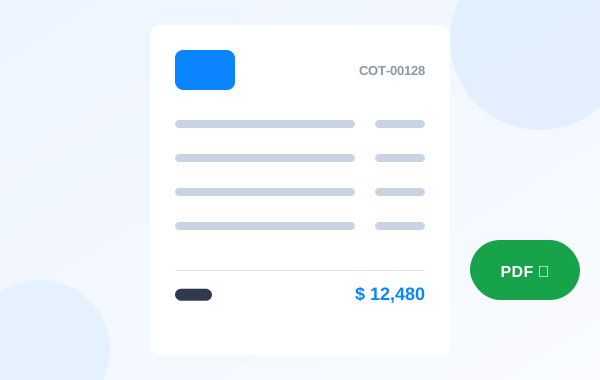
Quotes with a reference number and your logo, built from your catalog, accepted online.
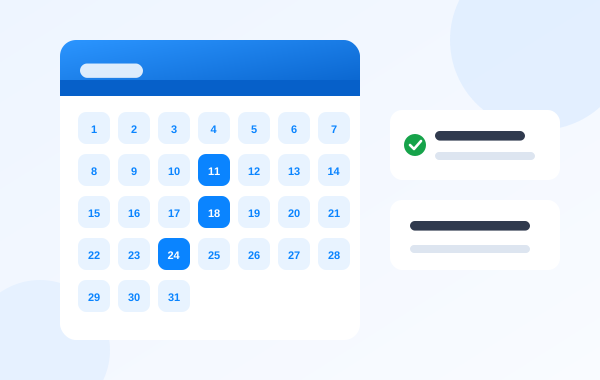
Customers book on their own through your link and get reminders.
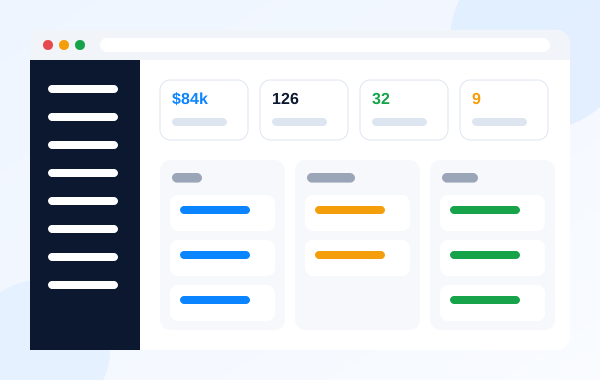
Customers, sales, quotes and your team in one place.
A store with a cart and card payments, so you sell online day and night.
Ask Karla on WhatsApp, the website chat or Telegram for your quote, or add Online Payments from your dashboard today.