Your own room
A professional room for your business that is always ready, so you meet customers and your team without borrowing a personal account.
Video calls · Autorys
Autorys HD Video Calls gives your business its own professional room to meet with customers and your team. People join with a link, even from a phone, with nothing to install, and you can record meetings or charge consultations in advance.
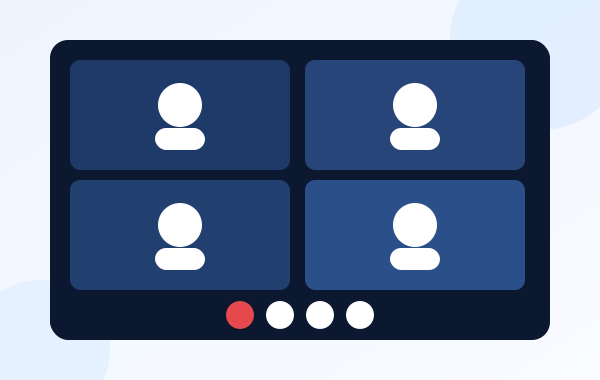
It is a video meeting space that belongs to your business. Instead of sending a different link from a personal account every time, you have a room of your own that is always ready for consultations, sales meetings or team check-ins.
Your guest opens the link from a computer or a phone and joins. They don't install anything and don't have to create an account. Inside the call you can share your screen, use the chat and bring in dozens of participants.
The room is connected to your Autorys scheduling, so an appointment can come with its video call, free or paid in advance. When a consultation is paid, the call link only reaches the customer after the payment is confirmed.
A meeting room that fits into the way you already book and charge.
A professional room for your business that is always ready, so you meet customers and your team without borrowing a personal account.
Guests click the link and join from a computer or a phone. They don't download an app and don't have to sign up for anything.
Show a document, a proposal or anything on your screen while you talk, and use the chat during the meeting.
Use the same room for a one-on-one consultation or for a meeting with dozens of people from your team or your customers.
Record your meetings and download them, so you can go back to what was agreed or share it with someone who couldn't attend.
Connected to your scheduling: offer free consultations or charge them in advance. The call link reaches the customer only once the payment is confirmed.
You add HD Video Calls from your Autorys dashboard, without talking to anyone. It activates when you pay and works inside your CRM.
Connect it to your appointments or send the room link by message or email to the people you want to meet.
Everyone joins from a computer or a phone with camera and microphone. Share your screen, chat and record when you need to.
Coaches, consultants and agencies anywhere in the world hold sessions with clients and charge them in advance from the same calendar.
Clinics and private practices offer video consultations paid in advance, with the call link sent only after the payment is confirmed.
Lawyers and accountants meet clients in other cities or countries, show documents on screen and keep a recording of the meeting.
Teams spread across offices or countries get a fixed room for their meetings, with screen sharing and space for dozens of participants.
7-day guarantee: if the service didn’t work for you, let us know within the first 7 days and we’ll give you your money back.
Frequently asked questions
Karla tells you the price and sends you your quote right away. Write to her on WhatsApp, the chat on this page or Telegram. When you are ready, you add the service from your dashboard and it activates as soon as you pay.
No. They open the link from a computer or a phone and join the room. They don't need to install an app or create an account, which makes it easy for people who rarely use video calls.
Dozens of participants can join the same room. That covers a one-on-one consultation, a meeting with a client's whole team or a call with your own staff spread across different places.
Yes. You can record your meetings and download the recording, so you keep a copy of what was said and agreed, or share it with someone from your team who couldn't attend.
Yes. The room is connected to your Autorys scheduling, so consultations can be free or paid in advance. When a consultation is paid, the video link is sent to the customer only after the payment has been confirmed.
You have a 7-day guarantee: if the service didn't work for you, let us know within the first 7 days and we give you your money back. And before you buy, Karla answers any question you have about it.
Learn more
Set up a booking page, share the link and stop losing appointments you forgot.
You may also need
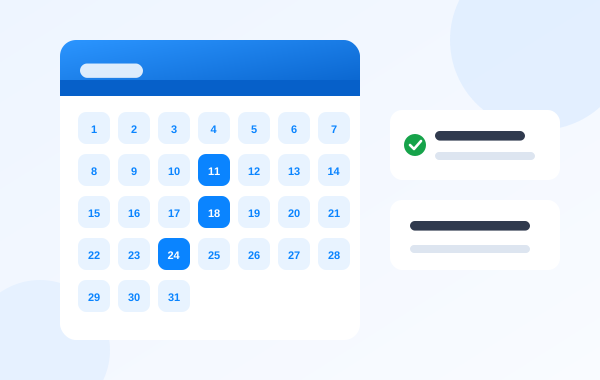
Customers book on their own through your link and get reminders.
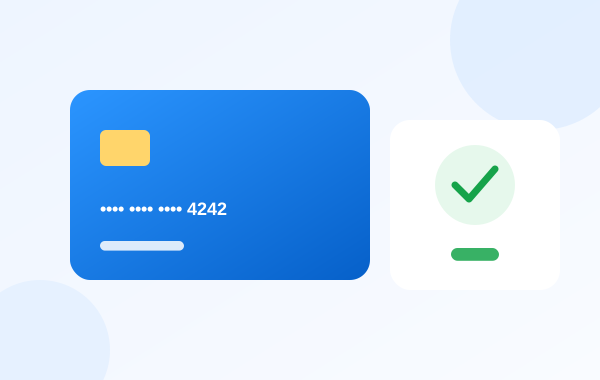
Card payment links for quotes, receipts and appointments, logged in your CRM.
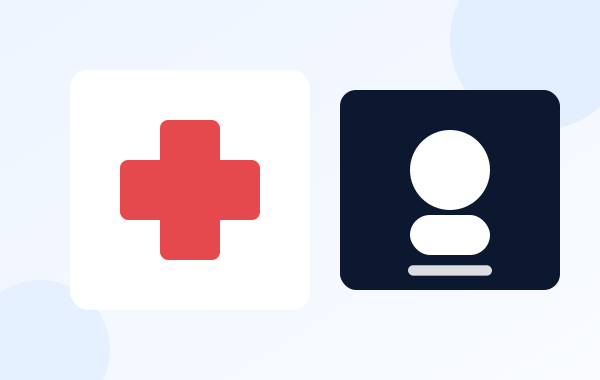
Booking, video visits, WhatsApp and phone with AI, and online fax in one dashboard.
Customers, sales, quotes and your team in one place.
Write to Karla on WhatsApp, the website chat or Telegram and she sends you your quote right away. Or add HD Video Calls yourself from your dashboard.